Enterprise customers had no way to brand or configure the AI chat interface to match their product.
Shipped a full theming system powering 5 distinct AI interaction patterns.
Lead UX Designer — system design, pattern library, design decisions.
Constraints are features. The tightest brief often produces the clearest system.
At Netenrich, most AI integrations defaulted to a chatbot-style interface — a pattern too narrow for the complexity of security workflows. Analysts needed AI that could adapt to different contexts, surface relevant insights without interruption, and integrate seamlessly into existing tools.
The goal was to create a unified interaction layer that adapted to context without overwhelming users — moving beyond the one-size-fits-all chatbot toward patterns that felt native to each workflow.
Standard chatbots didn’t fit into analysts’ existing workflows. Security operations require rapid context-switching across dashboards, rule builders, and investigation tools. Forcing every AI interaction through a conversational interface meant analysts had to leave their current context, describe what they were looking at, and translate the response back into action.
Analysts needed AI that was contextual, not conversational. The AI had to understand where the user was, what they were doing, and offer help without requiring a prompt.
"The chat panel feels like a different product. I have to stop what I'm doing, explain the problem in words, then go back and apply the answer. By then I've lost my train of thought." — Senior analyst, workflow observation session
The five patterns that shipped were not the only ones we prototyped. Three others were built, tested, and cut during the design process — each for a specific reason.
We mapped analyst processes across the platform — rule creation, content pack management, behavior model configuration, and incident investigation. Two pain points stood out consistently:
We also conducted a competitor analysis to understand how other platforms approached AI integration:
| Product | Approach | Strength | Gap |
|---|---|---|---|
| Splunk Assistant | Chat-based query builder | Natural language to SPL translation | Limited to search; no contextual awareness |
| Elastic AI | Embedded AI suggestions | Inline recommendations during investigation | Narrow scope; no unified interaction model |
| MS Copilot | Side panel assistant | Cross-application context | Conversation-first; limited non-chat patterns |
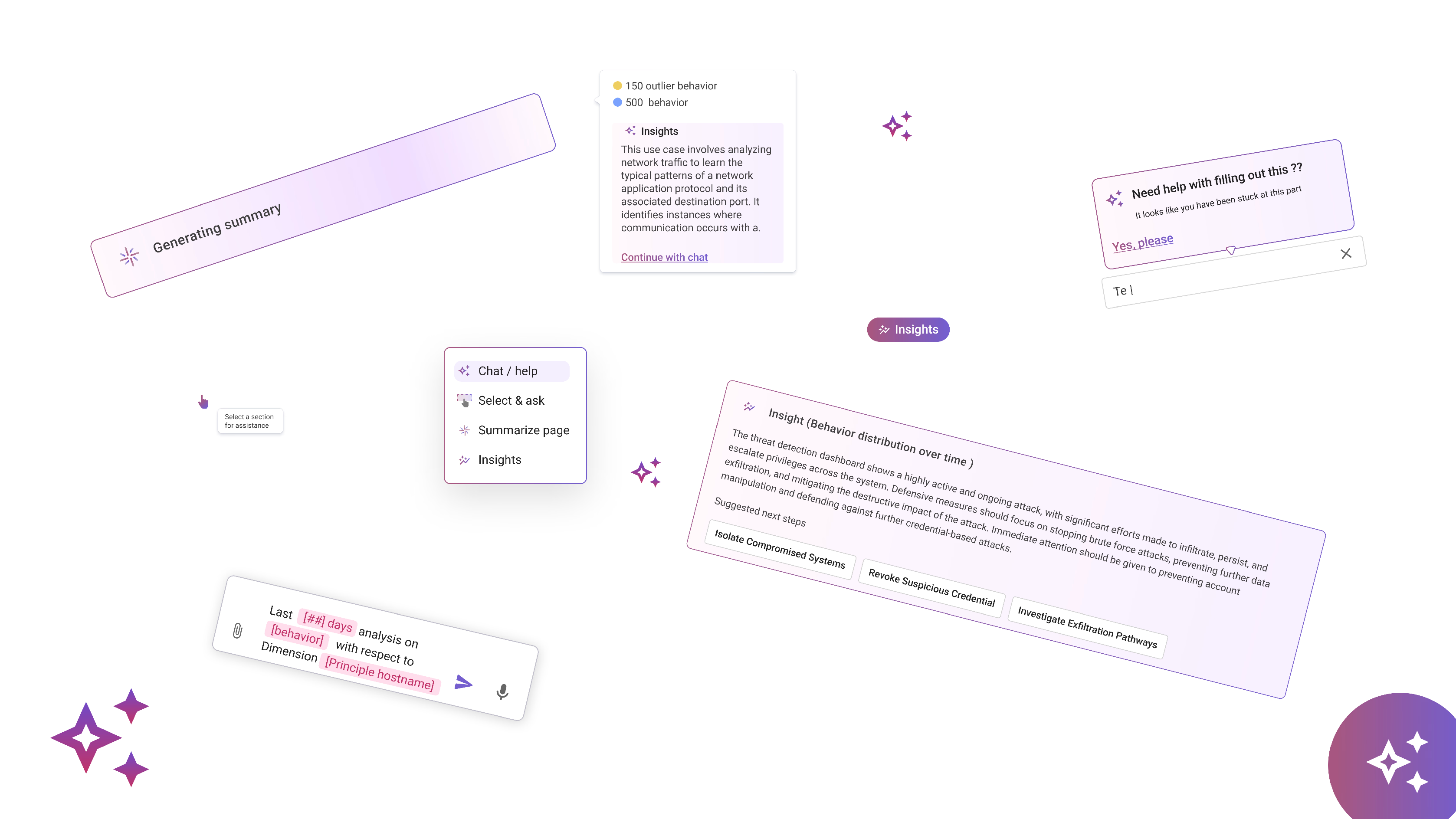
Rather than defaulting to a single chatbot, we designed five distinct interaction patterns — each suited to a different context and user need.
A single floating action button (FAB) that serves as the universal entry point for AI — offering chat, page summaries, and contextual insights from one place.
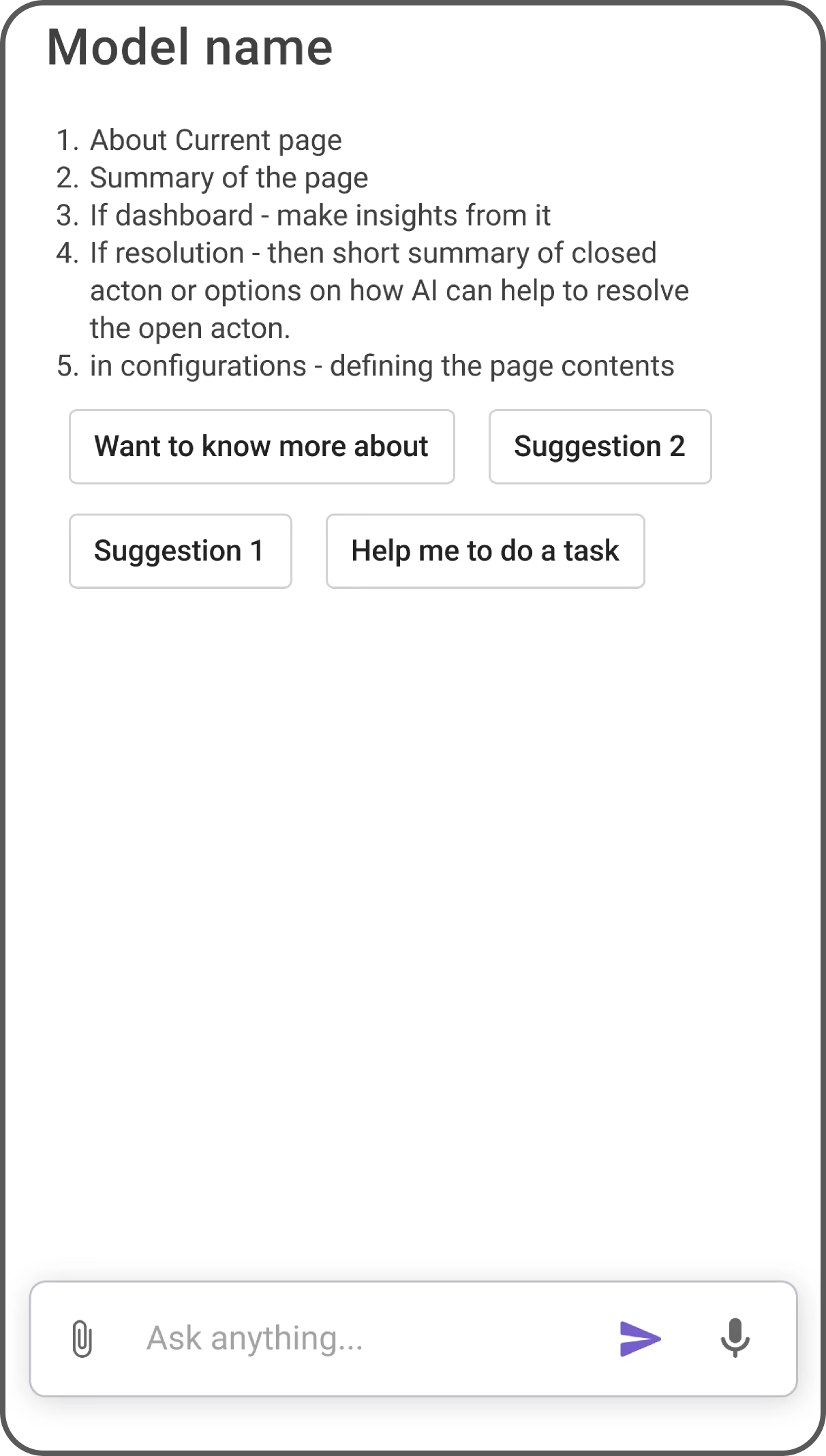
A companion panel that adapts to each screen’s context — showing relevant insights, suggestions, and actions without leaving the current view.
Embedded hints and recommendations within complex forms, helping analysts make informed configuration decisions right where they need guidance.
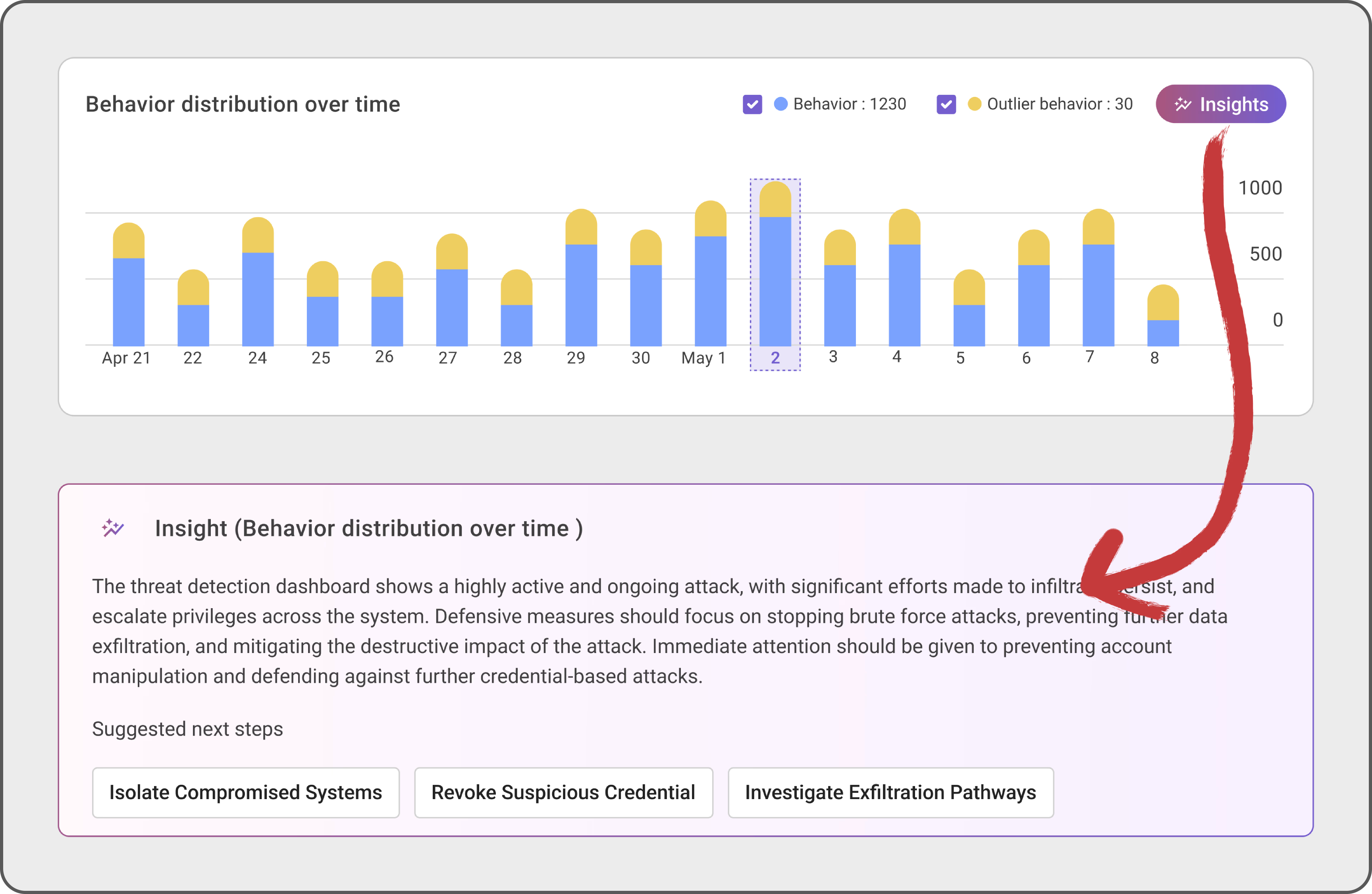
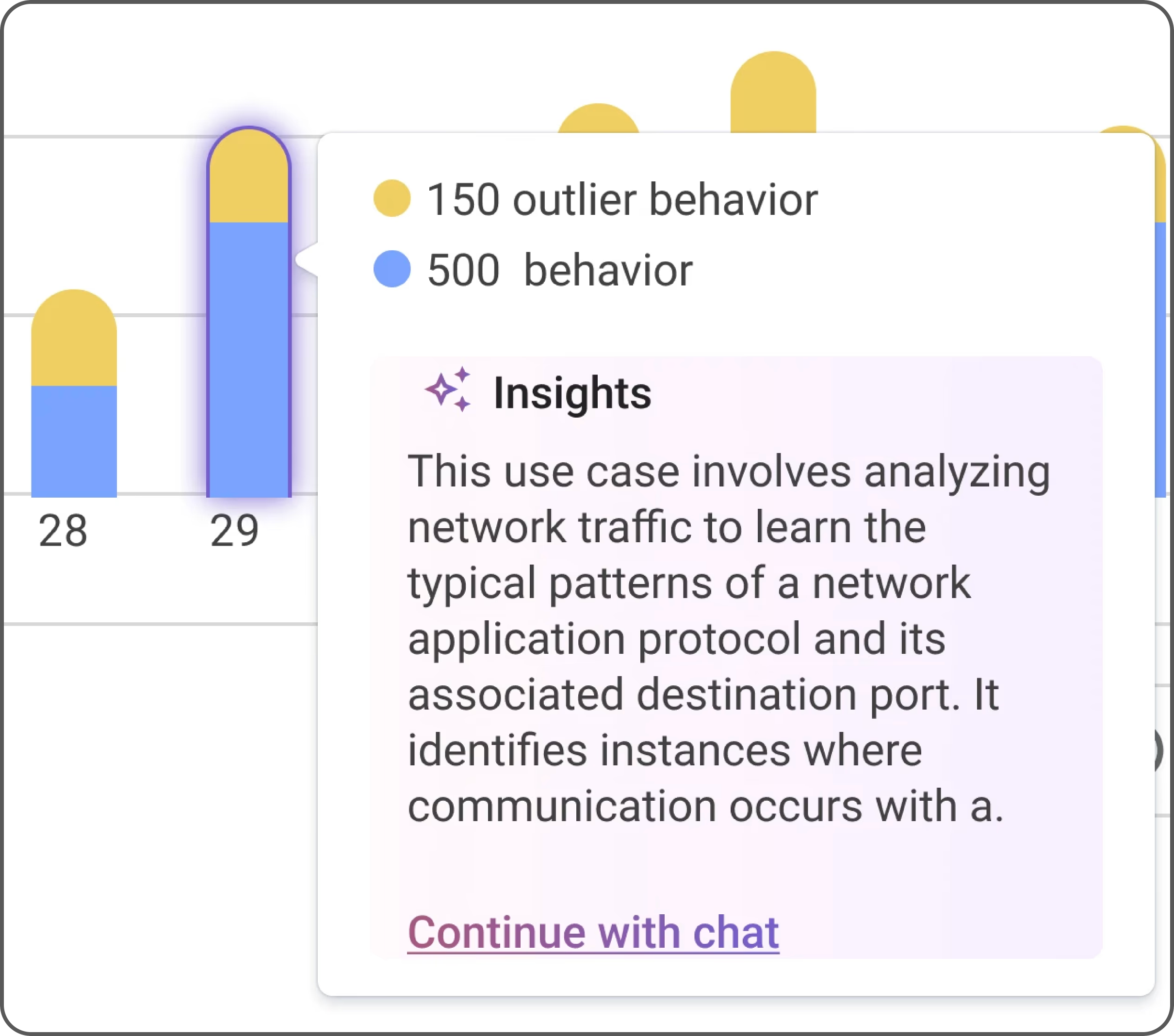
Charts become active advisors, not just passive displays. AI interprets patterns, highlights anomalies, and surfaces actionable observations on hover or click.
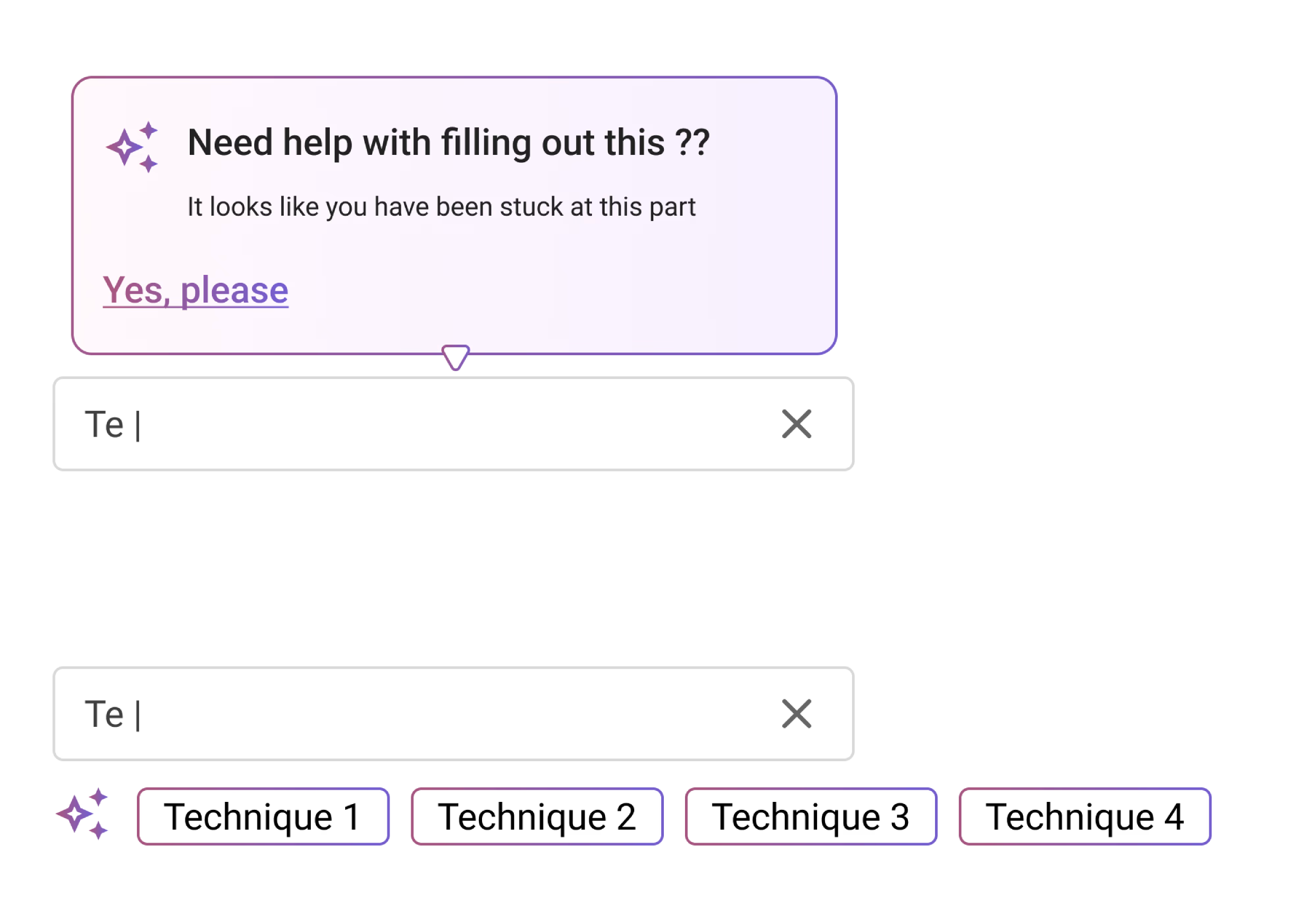
Event-based, context-sensitive AI cues that appear proactively — surfacing relevant guidance when the system detects a moment where help would be valuable.
Beyond the five core patterns, we explored additional interaction types from the broader AI design landscape — informing our decision framework for when each pattern applies.
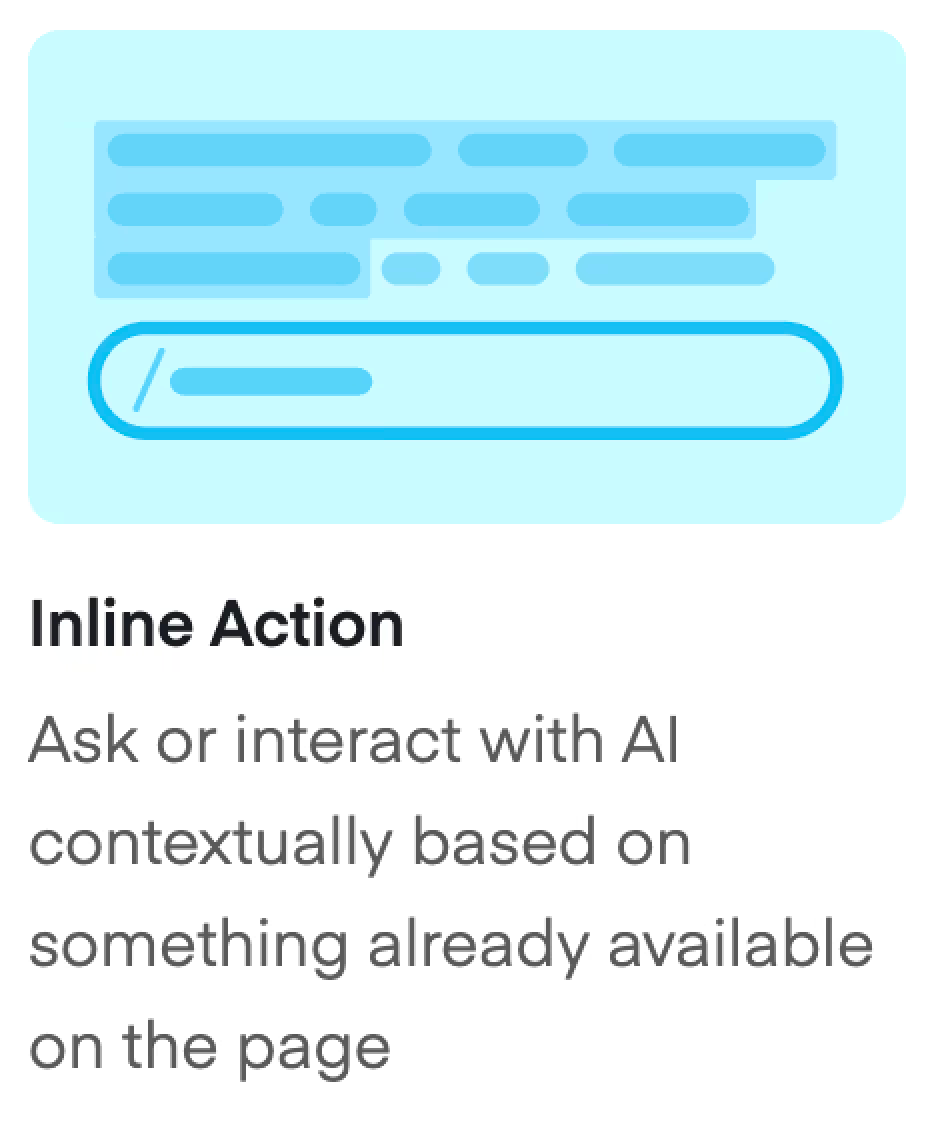
Inline Action — contextual AI triggered by content already on screen.
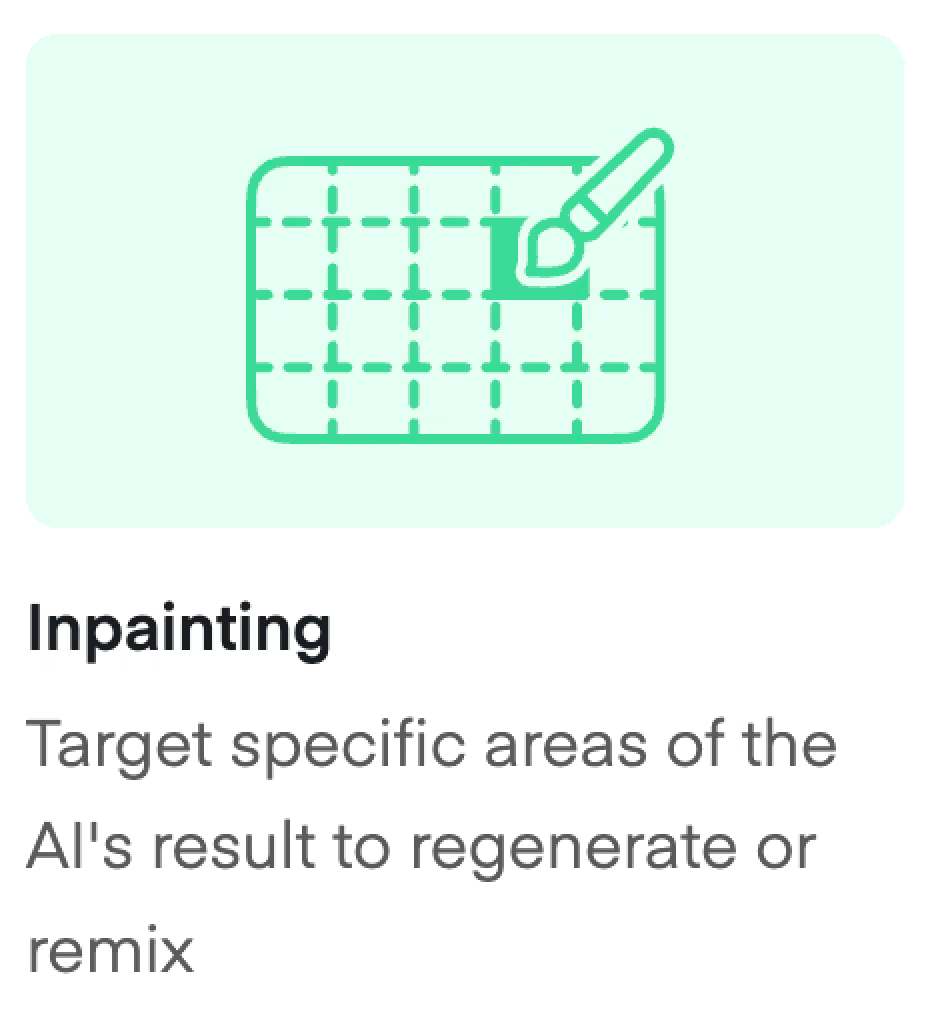
Inpainting — target specific areas of an AI result to regenerate or remix.
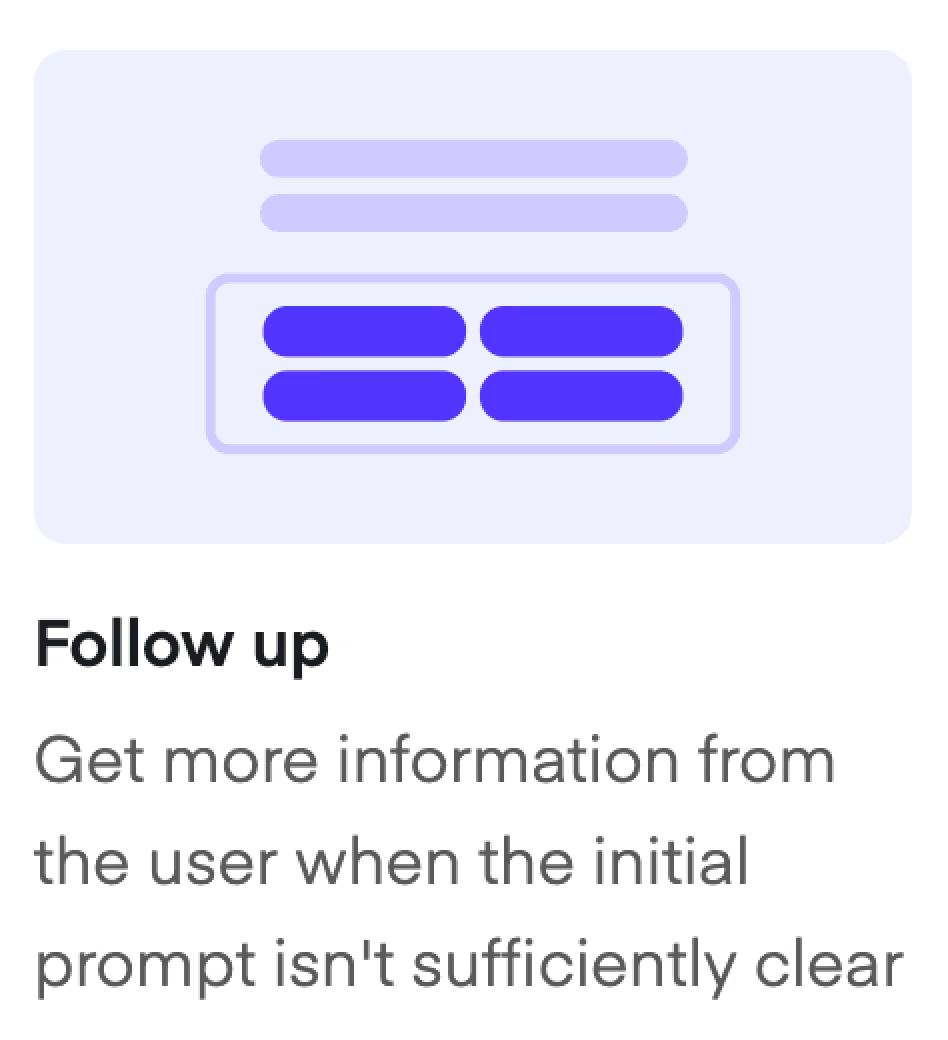
Follow Up — AI requests clarification when the initial prompt lacks sufficient context.
Each pattern was mapped to a specific interaction context. The framework ensures analysts get the right type of AI help without cognitive overload — and prevents the default "just add a chatbot" trap.
| Pattern | User is doing… | AI role | Why not a chatbot? |
|---|---|---|---|
| FAB | Browsing or orienting on a new page | Available on demand — doesn't interrupt | User doesn't yet know what to ask; chat requires knowing the question |
| Side Panel | Active investigation or analysis | Contextual companion showing relevant info for the current view | Switching to a chat breaks flow; panel stays in the same context |
| Inline Assist | Filling a complex form or configuration | Just-in-time guidance at the decision point | User needs help with a specific field, not the whole task |
| Chart Insights | Reading a visualization under time pressure | Instant plain-language interpretation of what the data means | Describing a chart in text is slower than AI reading it directly |
| Smart Triggers | Not actively seeking help but about to make a risky move | Proactive — appears before the user asks | User doesn't know they need help; chat only works when they do |
We prototyped each pattern within real product screens to validate feasibility and gather feedback from analysts and stakeholders.
The universal AI entry point. A persistent button in the corner that opens a contextual menu — offering chat, page summary, and quick actions based on the current screen.
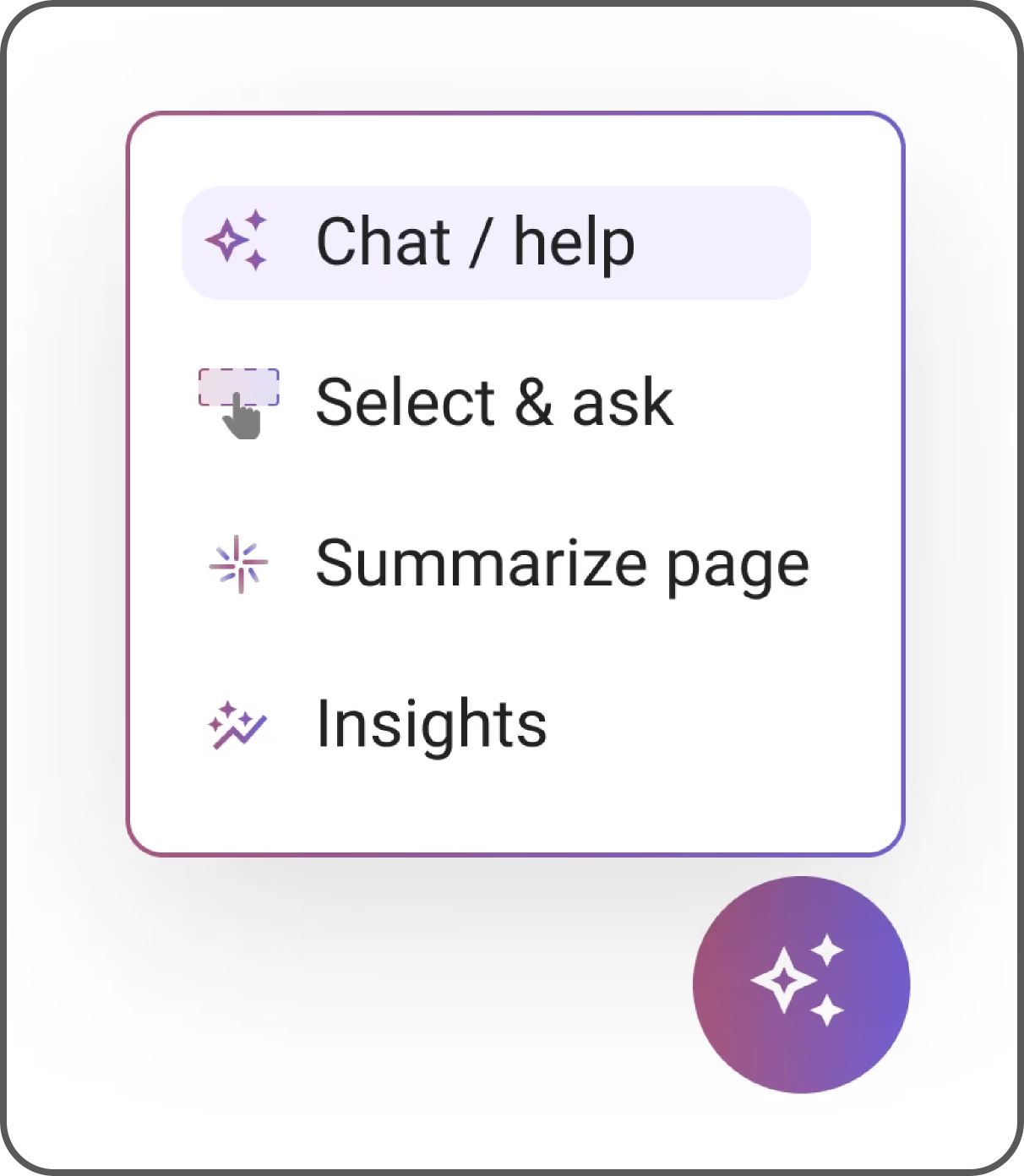
Natural language support for quick questions and exploratory queries. Users can ask about alerts, configurations, or platform features in plain language.
AI-generated summaries that hover over charts and dashboards, translating complex data into plain-language observations and recommended actions.
Context-aware tooltips embedded directly in form fields, offering configuration recommendations, explanations, and best-practice guidance right where decisions are made.
Hovering a data point in any chart triggers an AI-generated plain-language interpretation of that value in context — no click required, no context switch. A "Continue with chat" link escalates to a deeper conversation when analysts want to investigate further.
We started with a single FAB (Floating Action Button) as the universal AI entry point — one consistent gesture from anywhere in the product. As the system grew, the question became whether to keep it centralised or distribute AI triggers closer to each feature.
We stayed with the FAB as the primary pattern.
One entry point, consistent placement, consistent gesture. The FAB adapts its contents to the current context — chart insights when on a dashboard, inline suggestions when in a form, investigation aids when triaging. Analysts learn the system once.
This is what turned it from a feature into infrastructure. Consistent entry, variable content. That combination is what made it adoptable.
More immediately discoverable in each context. Analysts see the AI option exactly where they need it, without having to find a universal button.
Problem: different entry points across modules meant analysts learned a different interaction pattern for every screen. There was no mental model of "how AI works" — just a patchwork of context-specific buttons.
The interaction patterns were adopted organically across multiple product modules — ActOn, detection rules, and behavior models. What started as exploration became the standard approach to AI integration.